
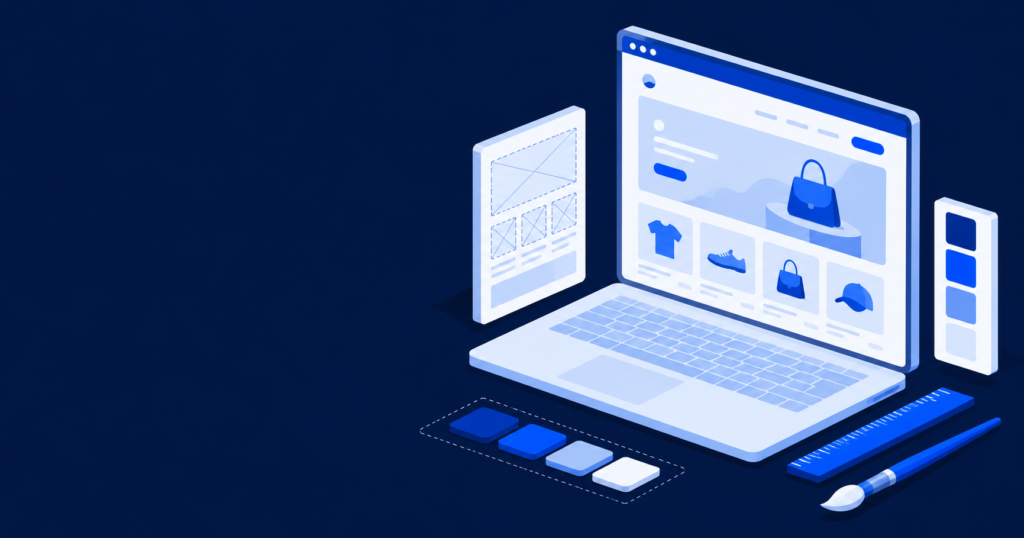
Your theme controls how your store looks, how fast it loads, and how well it turns visitors into buyers. Most stores begin with a pre-made theme, and many of them outgrow it as the brand develops.
This guide explains what Shopify custom theme development is, how it compares to a pre-made theme, when a custom theme earns its cost, and what the process looks like from start to finish.
What Is Shopify Custom Theme Development?
A Shopify theme is the template that controls the design and layout of your storefront. Custom theme development means building a theme made for one brand and its products, rather than using a ready-made theme from the Shopify Theme Store.
A custom theme is built with Shopify’s own theme structure, which means the store owner can still edit content, images, and sections in the theme editor after launch. The difference is that the design, the layout, and the underlying code are created for one store instead of being shared by thousands of stores.
Custom Theme vs Pre-Made Theme
Both options are valid, and the right one depends on where the store is in its growth.
A pre-made theme is inexpensive or free, fast to launch, and a sensible choice for a new or small store. The limits show up later. The design looks similar to many other stores, the theme often includes features and code you do not use, and that extra code can slow the site down. You are also working within the design choices the theme maker decided for everyone.
A custom theme matches your brand exactly and includes only the code your store needs, which helps it load faster. It is built around your products and the way you want customers to move toward checkout, and it leaves room to grow. The trade-off is a higher cost and a longer timeline.
Many stores follow a natural path: they start on a pre-made theme to launch quickly, then move to a custom theme once the brand and the revenue justify the investment.
When a Custom Shopify Theme Is Worth It
A custom theme makes sense when one or more of these is true:
- Your brand needs to stand out, and a template makes your store look like every other store in your category.
- Speed matters to your sales, and your current theme is heavy and slow.
- You have specific product or merchandising needs that a template cannot handle well.
- You are scaling and want full control over the design and the path to purchase.
- You keep running into the feeling that the current theme almost works, but never quite fits.
The Custom Theme Development Process
A well-run custom theme project usually moves through these stages:
- Discovery and goals. Agree on what the store needs to achieve and who the customers are.
- Design. Plan the structure with wireframes, then create the visual design.
- Development. Build the theme so that key sections remain editable for the store owner.
- Speed and mobile. Optimize the theme for fast loading and a clean mobile experience, since most Shopify traffic is on phones.
- Testing. Review everything on a preview theme before it goes live.
- Launch and refinement. Publish the theme, then adjust based on how real visitors use it.
What to Look For in a Shopify Theme Developer
Choose a developer with specific Shopify experience, not general web design alone. The work should be built for speed and mobile, the design should reflect your brand rather than a template, and the theme should remain editable so that you are not dependent on the developer for every text change. A clear process and support after launch matter as much as the design itself.
The Bottom Line
A custom theme is an investment in your brand, your loading speed, and your conversion rate. If a template is holding your store back, custom theme development gives you a storefront built around your customers instead of someone else’s template.
If you are deciding between sticking with a template and moving to a custom build, our Shopify development services team can review your store and recommend the option that fits your goals and budget.